
By Leigh :) Stark, an award winning reviewer and technology journalist with over 18 years of experience in computer news, reviews, and analysis.
Updated last:
The year is constantly happening, and we’re constantly reviewing the gear that comes out. That includes laptops from a variety of manufacturers, covering all sorts of prices and uses.
So what are the best laptops of the year? And how do you buy a laptop?
Consider one of the best laptops right now
Before diving into how you pick a laptop, consider some of the best laptops right now with Pickr’s recommendations. Mac and PC, these are among the best portable computers you can find right now, based on our reviewing methodologies, ordered from best to still pretty great, and regularly updated.
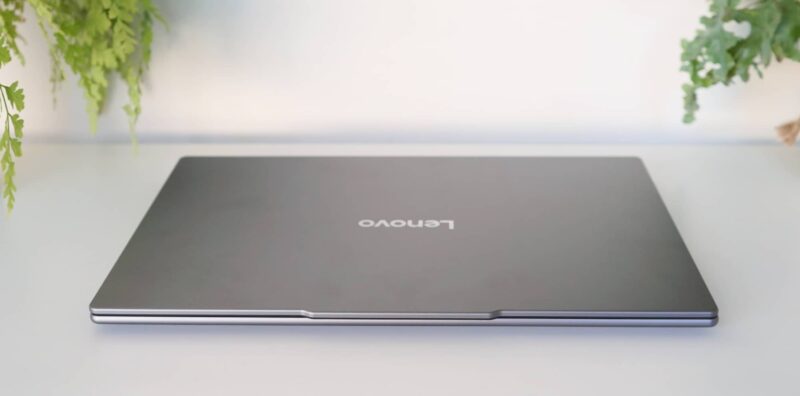
10-12 inches
If you’re looking for a truly portable laptop, you’re typically going to look for the smallest size you can find, and that will likely be a very short search. Properly pint-size portables fit in the 11 to 12 inch size, with tablets taking most of these options.
For a time, the humble Netbook offered a 10 inch Windows computer, not to mention the number of Chromebooks found in that size, but these days, 10 inch laptops are a bit of a relic. They just don’t exist anymore.
Small laptops usually start in the 11 to 12 inch sizes, and are often tablet-based windows laptops with an optional keyboard. Microsoft makes a 12 inch Surface Pro, as have Lenovo and HP, while the rest of what makes up the 11 to 12 inch space is typically tablet based.
An 11 inch iPad Air and 11 inch iPad Pro are among the first to come to mind, but you can also find Android tablets in the same space, and possibly a few other random machines here and there if you look.

Microsoft Surface Pro 12 inch reviewed: properly portable
A slightly more portable take on a Windows laptop, the Surface Pro 12 inch revives 12 inch laptops, even if it comes with a catch or two.

HP Spectre Foldable reviewed: a taste of the future
You’ve heard of a phone that folds, but what about a laptop? HP’s Spectre Foldable is a hint of what’s to come.
13-14 inches
The most common space for laptops is the 13 inch and 14 inch point, which for many is seen as the sweet spot for portability. Screen sizes in the 13 to 14 inch bracket actually range between 12.9 and 14 inches, but for the sake of this argument, it’s 13 to 14 inches.
Why is this the sweet spot? Largely because of the type of compromises you can put into a laptop of this size.
For one, laptops sized between 13 and 14 inches are more portable, while still able to pack in the sort of power larger laptops offer. The screens are also often a better quality, delivering Full HD resolutions and higher, which in these screen sizes display a greater amount of pixels per inch, a level of clarity that makes the screens look better overall.
Notebooks sized between 13 and 14 inches are often among the best laptop options computer makers offer, even if they’re not necessarily as big as other models. They’re portable and well balanced on the spec sheet, making them the better option for many when considering a laptop.
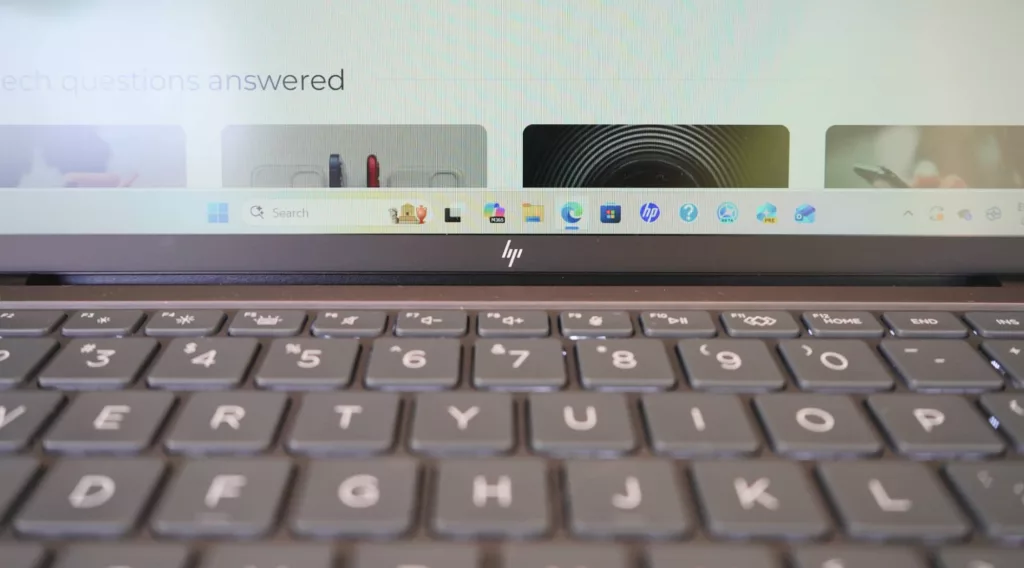
HP ZBook Ultra G1a 14 reviewed: power and portability at a price
A workstation made small with power for graphics making? The HP ZBook Ultra G1a makes the case, provided you don’t mind a few compromises.
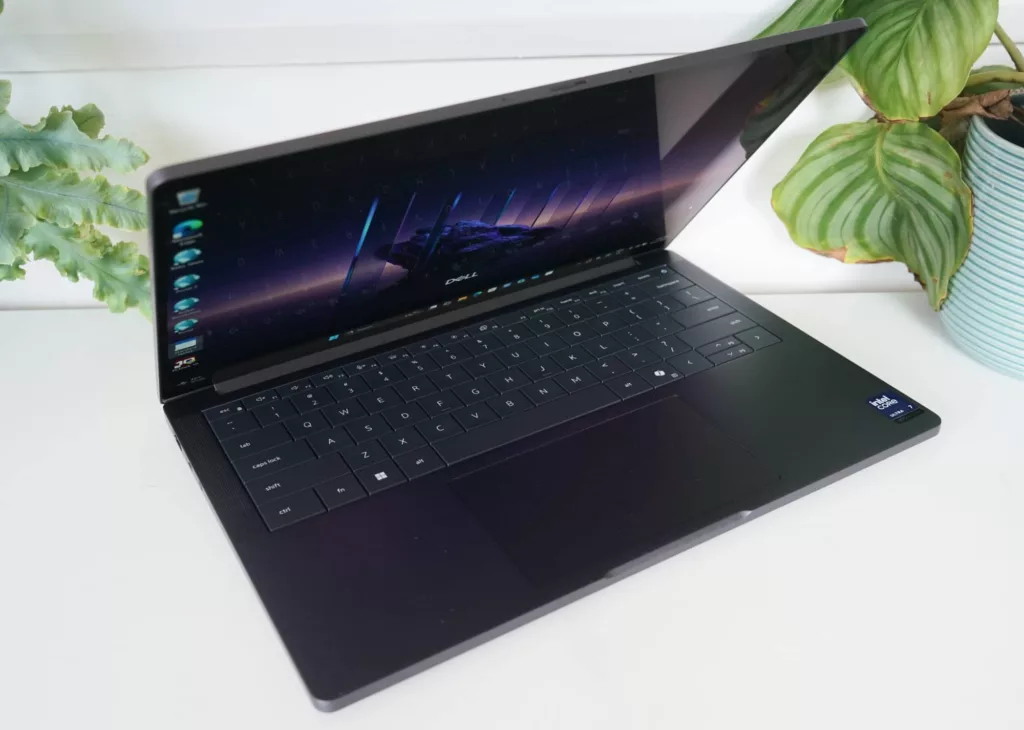
Dell Pro 14 Premium reviewed: a simple survivor
A minimalist Windows take on a slimline PC, the Dell Pro 14 Premium comes with a high price, but marries it to a MIL-STD rating, making it a survivor.
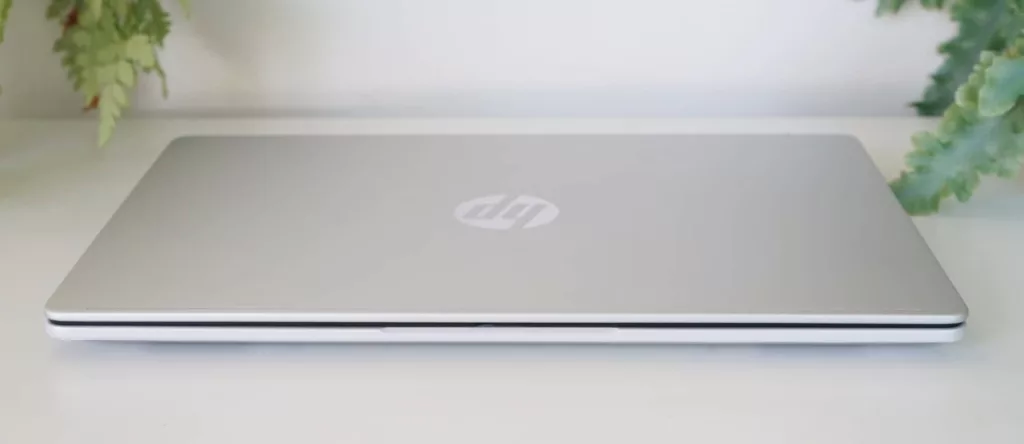
HP OmniBook 5 reviewed: battery battler
HP’s take on a thin and light laptop mightn’t have the performance of other PCs, but it has somewhere you will want: battery to spare.
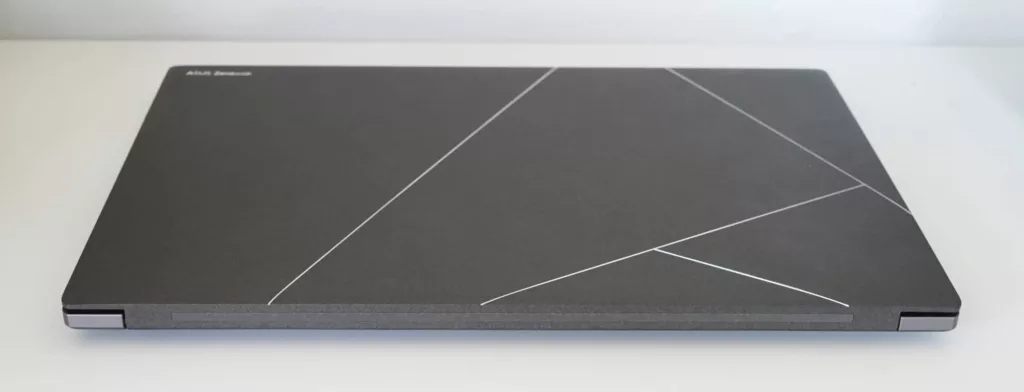
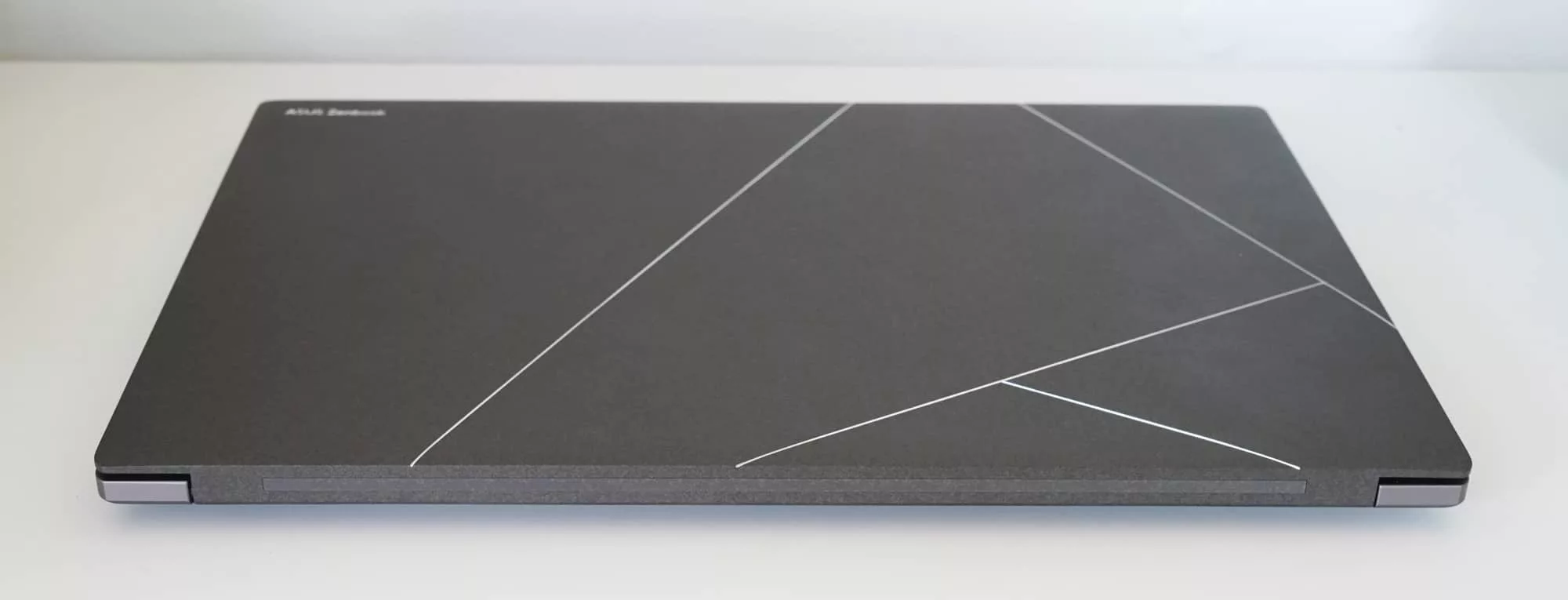
Asus Zenbook S 14 OLED reviewed: slim and sturdy
A premium laptop in almost every sense of the word, the Zenbook S 14 OLED brings high quality specs and materials to a pricey package.
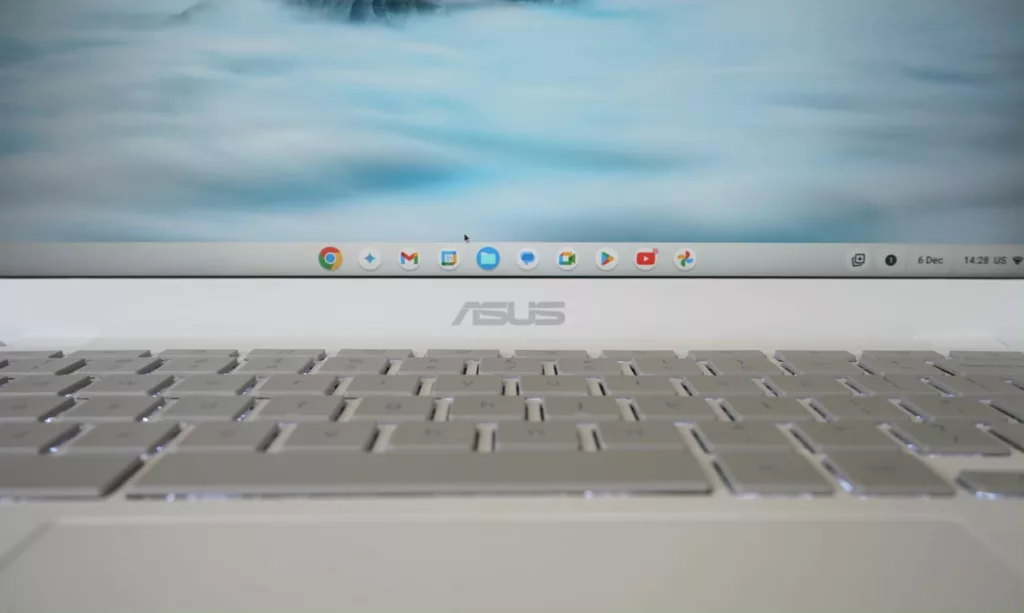
Asus Chromebook Plus CX34 reviewed: not your ordinary Chromebook
The Asus Chromebook Plus CX34 has more going for it than a regular Chromebook, complete with AI and durability on-board.

Dell XPS 13 reviewed: a win for portability
Tiny and mighty, the Dell XPS 13 with Snapdragon inside is small, slim, and surprisingly capable. Just about everything a laptop should be.

HP OmniBook X 14 reviewed: practical and portable
The age of the AI PC is upon as laptops deliver AI power with plenty of battery life. Is the HP OmniBook X 14 a perfect example of this?

Asus ROG Zephyrus G14 reviewed: worth your attention
Gaming laptops tend to come with aesthetics not everyone digs, but the Asus Zephyrus G14 takes it back to something else.

2024 Dell XPS 14 reviewed: a best-in-league PC
Slim, fast, and sexy, the Dell XPS 14 stuns and shines with some clever design. It’s pricey, but premium where it counts.

2024 Acer Swift Go 14 reviewed: surprisingly capable
Acer’s take on a portable AI PC leaves us wondering what else AI can do, but the Swift Go 14 offers plenty of performance in a portable package.
15 inches
If you need a bigger screen than the sweet spot of 13 to 14 inches, but also want to save money, you probably want to consider a 15 inch laptop, a screen size that more often than not (particularly these days) implies saving money. However, it’s not the only 15 inch laptop you can find.
15 inch laptops typically come in two forms:
- Budget computers with big screens, and
- Premium portable machines made a little bigger
With budget computers, a 15 inch computer almost always offers an HD or Full HD screen, 4 to 8GB RAM, and a reasonable amount of storage, delivering enough computer for a saving, but usually lacking a decent design or premium materials.
On the other side of the coin, however, a premium 15 inch laptop typically takes what works in premium 13 inch laptops and makes the screen and battery life a little better, such as how the 15 inch MacBook Air is a slightly bigger version of the 13 inch MacBook Pro, a process Microsoft also follows with its Surface Laptop models.
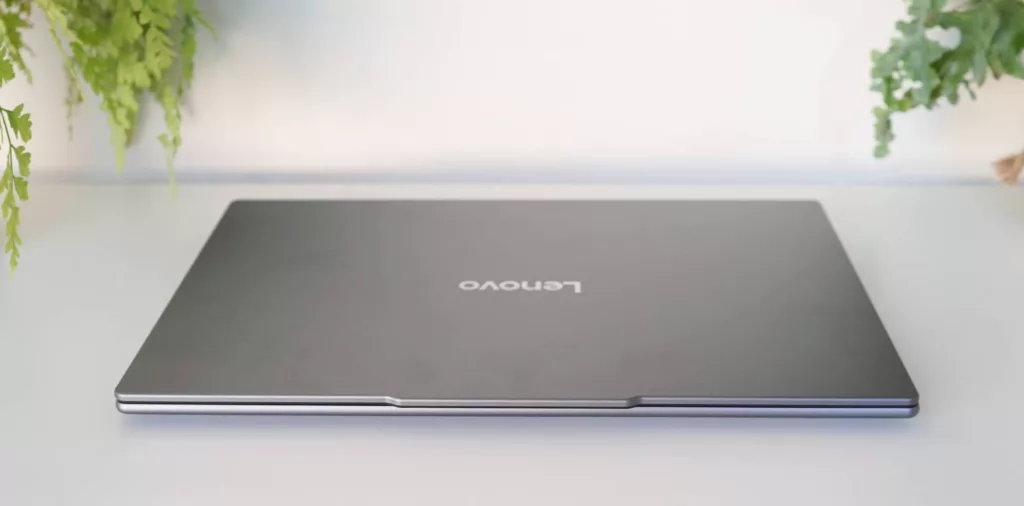
Lenovo Yoga Slim 7i Aura Edition reviewed: fast and capable
There’s no shortage of laptops in the world, but the Yoga Slim 7i Aura Edition sets owners up for the AI PC era with specs and battery life aplenty.
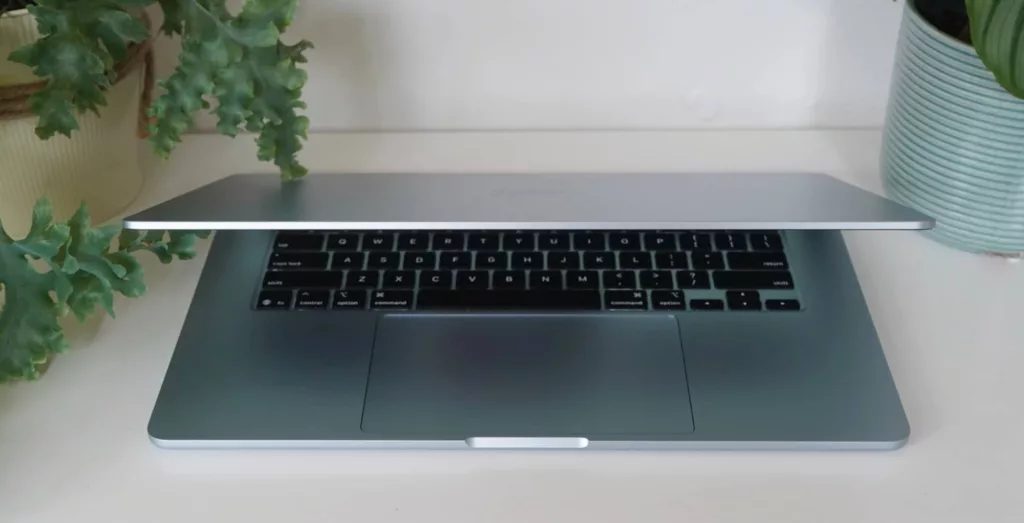
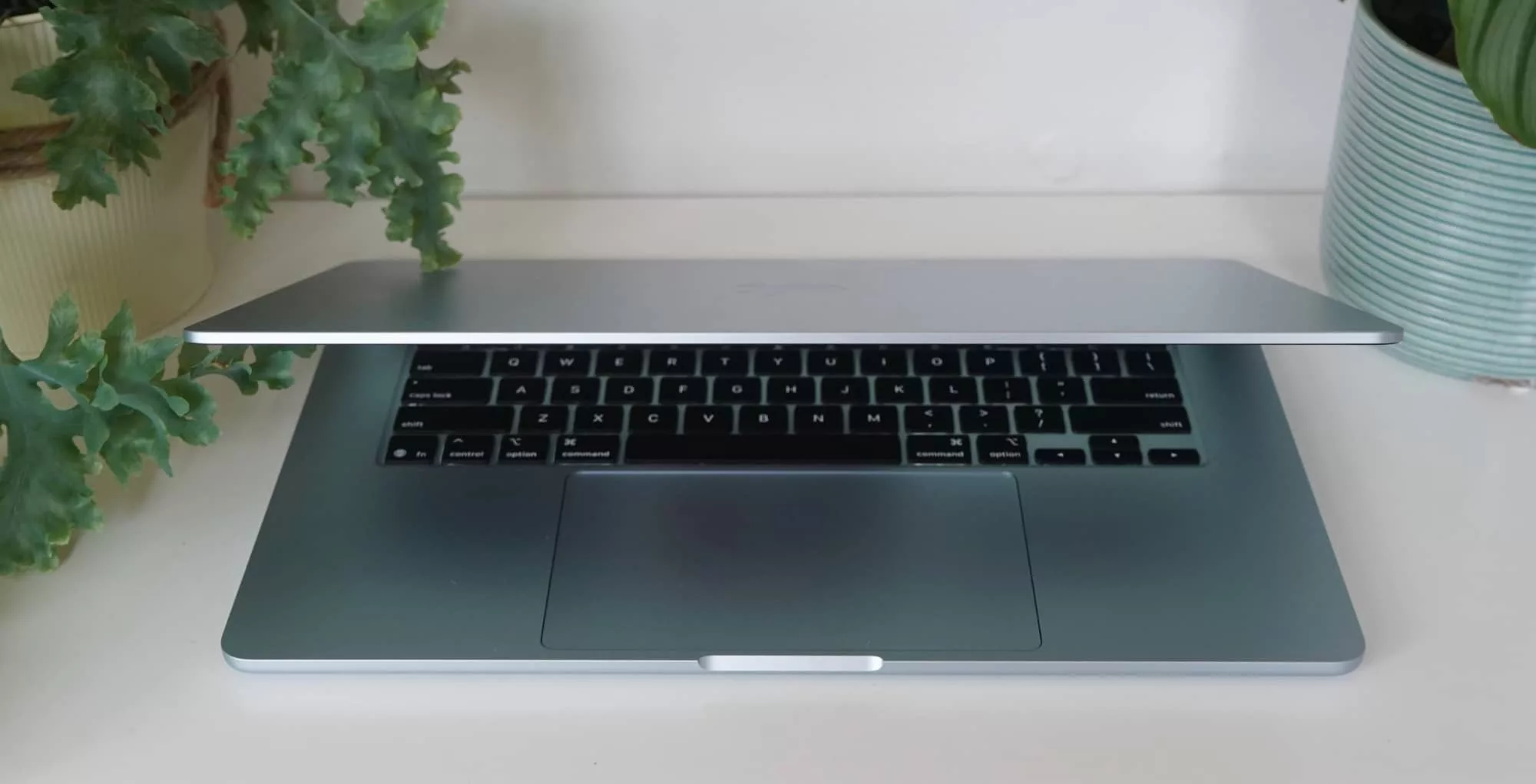
Apple M4 MacBook Air 15 inch reviewed: utterly brilliant
More powerful and yet also a little less expensive this year, the M4 MacBook Air could be the year’s best laptop and an excellent deal.
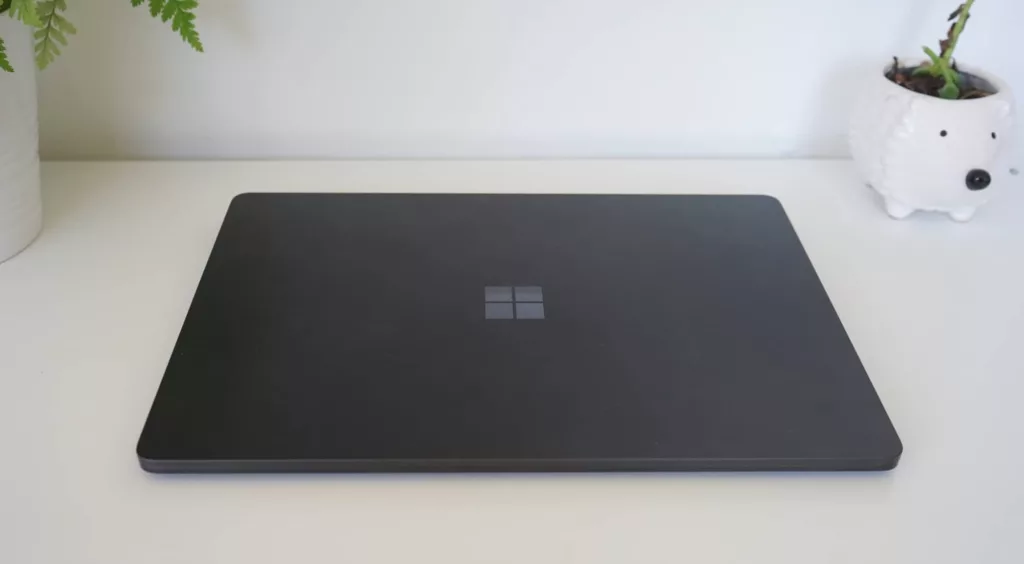
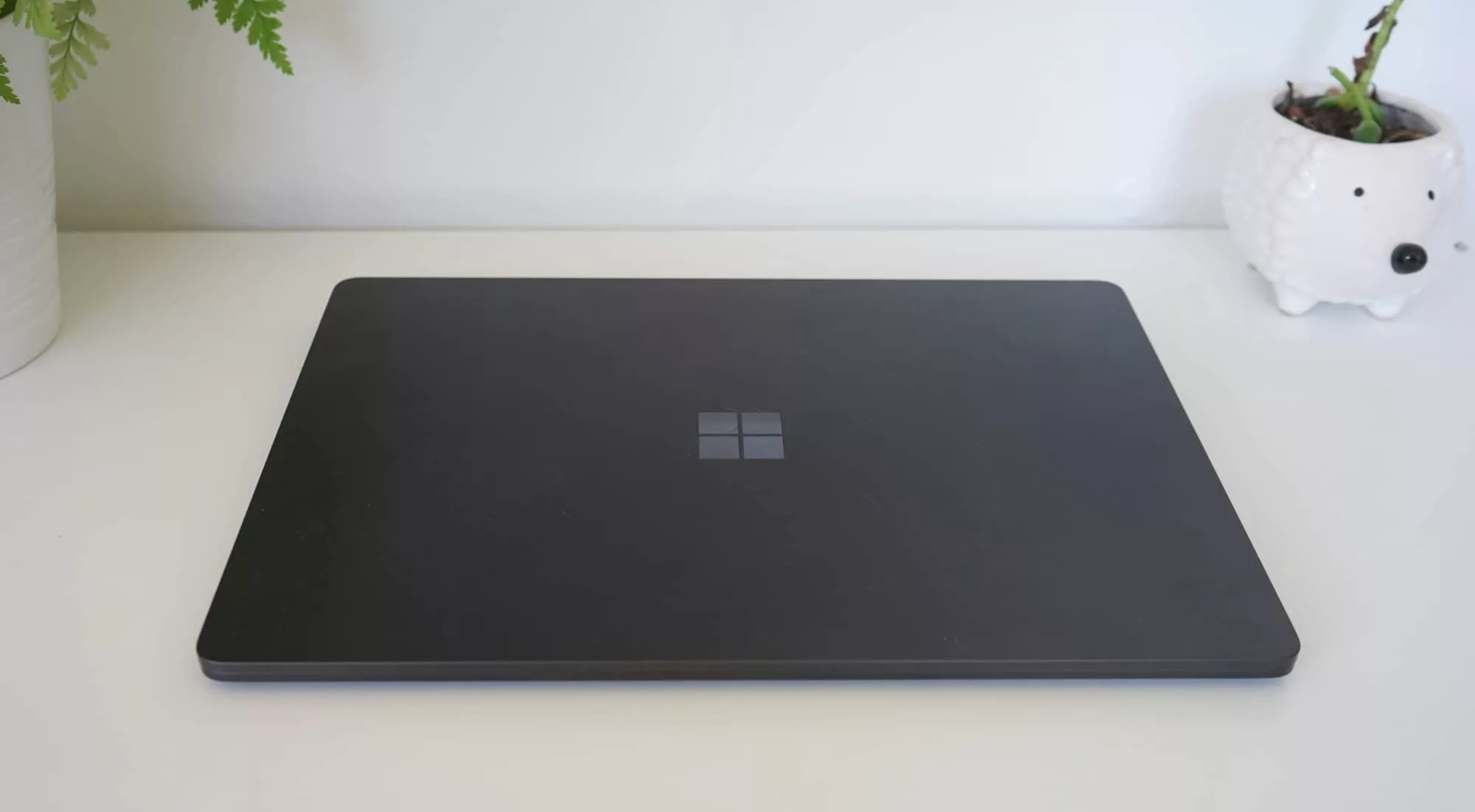
Microsoft’s 2024 Surface Laptop 7 reviewed
Aluminium and premium, the Surface Laptop 7 is Microsoft’s latest play for a flagship laptop. And with Snapdragon inside, it has battery life to spare.

Acer Predator Helios 3D 15 reviewed: a high price for 3D
Looking for a gaming laptop that stands out? The Acer Predator Helios 3D 15 comes with a screen designed to be that little bit more immersive.

Apple MacBook Air 15 inch reviewed: think big
Bigger and marginally better, the MacBook Air 15 sizes up the competition by managing to get a big laptop feeling properly portable.
16 inches
It may only seem a little bit bigger, but the 16 inch laptop is currently the size for large and capable content creation machines, for a breed of computer that may as well be a high performance laptop.
Not so long ago, it was where 15 inch computers sat, but now that the 16 inch laptop is a thing, the difference is clear: most 15 inch notebooks can retain the cost-effective approach to big laptops, while the 16 inch variety often screams hefty performance by comparison.
So what can you expect in these larger laptops?
By comparison, 16 inch laptops tend to not only come with an obviously larger screen, but a larger battery and usually more power under the hood. Bigger, meatier processors, the capacity for more storage, and more often than not, more in the graphics department than their smaller siblings.
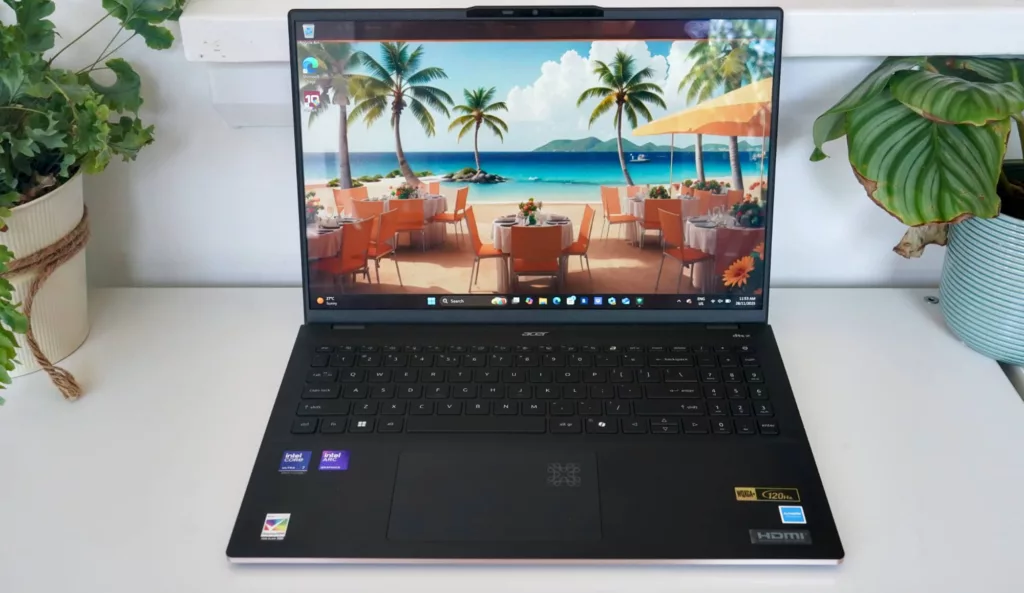
Acer Swift 16 AI reviewed: everyday done well
True portability often sits in the 13 to 14 inch laptop space, but the 16 inch Acer Swift 16 AI makes the case for big and portable.
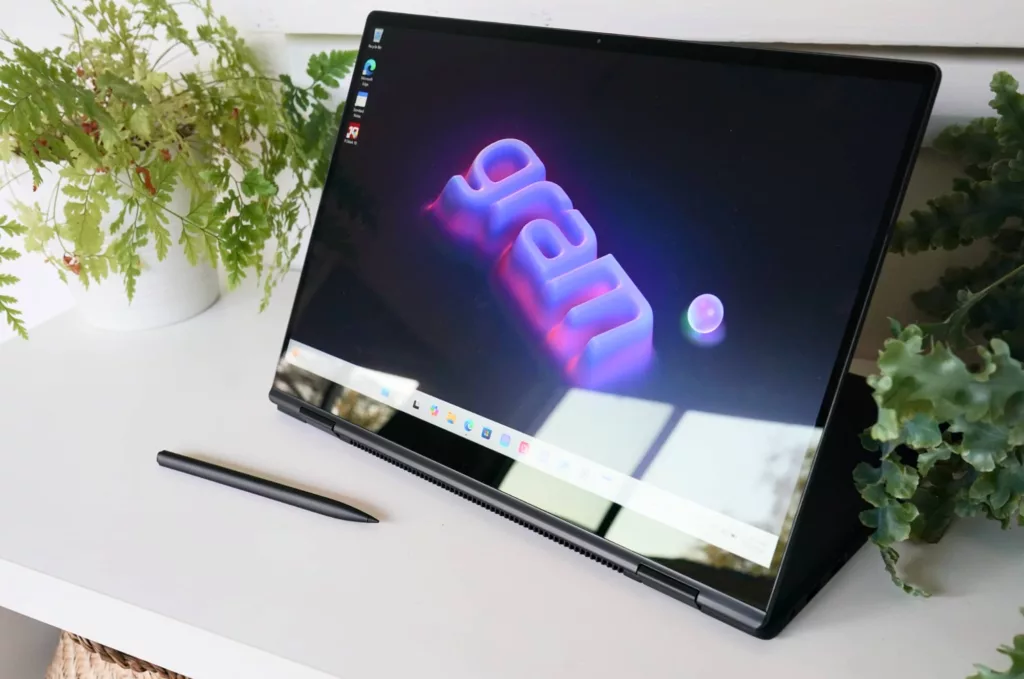
LG Gram Pro 16 2-in-1 reviewed: work without the weight
Big laptops often come with big sizes and clear kilograms, but the LG Gram Pro 16 2-in-1 is a capable tablet laptop that skips the size almost entirely.
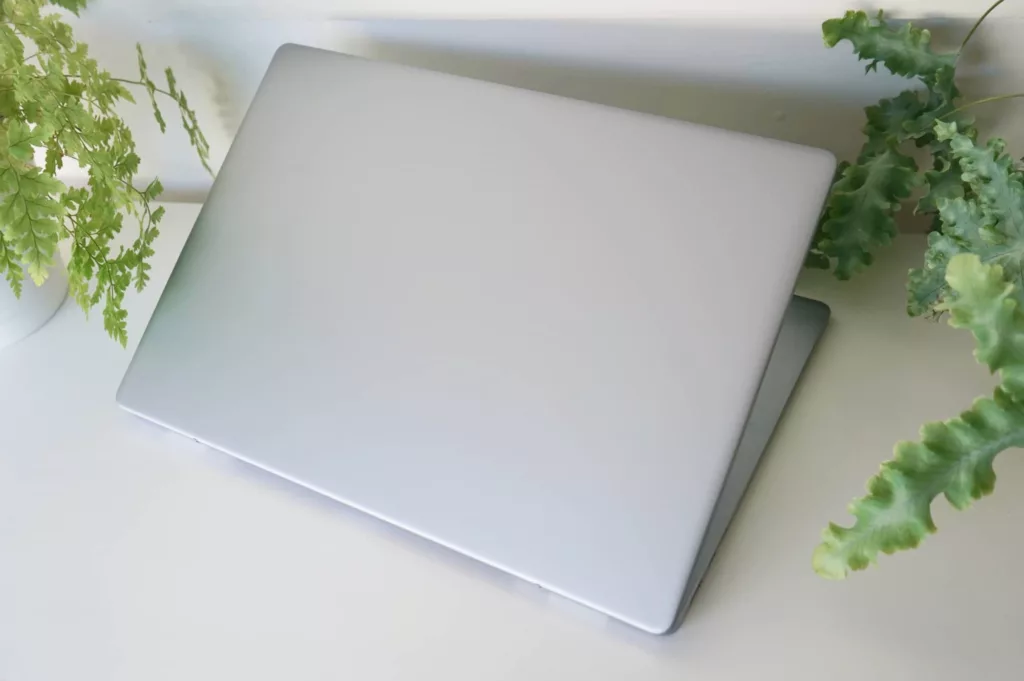
Dell 16 Plus reviewed: boring but all business
A fairly ordinary look to the Dell 16 Plus sets the scene for what is an otherwise boring business laptop. Is it worth owning?
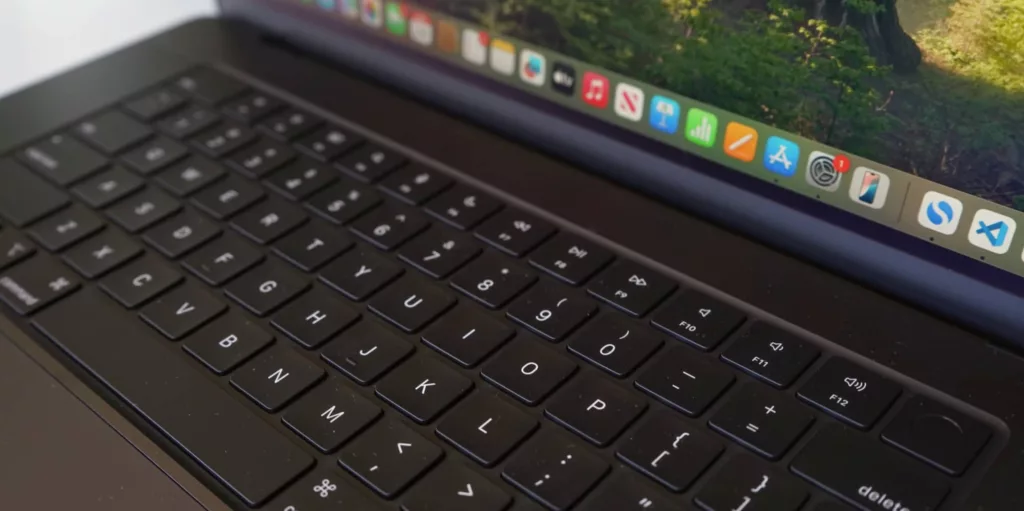
Apple’s M4 MacBook Pro 16 inch reviewed: performance and perfection
The 2024 MacBook Pro may look just like the 2023 and 2022 before it, but the M4 MacBook Pro has performance where it counts.

Dell Precision 5690 reviewed: hefty power, hefty price
Need more than what a regular laptop offer? The Dell Precision 5690 aims to get you there with plenty of power, plus a price that might just be too much.

Apple M3 Max MacBook Pro 16 reviewed: nothing comes close
Now available in black, the M3 Max MacBook Pro might just be the most powerful laptop you’ve ever used. You just need to be able to afford it.

Acer Swift Edge 16 reviewed
Big laptops and equally big OLED screens aren’t typically price friendly, but Acer’s Swift Edge 16 could achieve both. Maybe.
Student
Student laptops are not created equal, and the definition of what students will need varies greatly because students are different. But you may want to look for long-term durability for student laptops, particularly because students typically stay students for several years. Buying a laptop each year is an unlikely scenario.

Pickr’s 2025 Back to School Laptop Guide
As the 2025 summer holidays end in Australia, it’s time to head back to school. How do you pick a laptop for the students in your life?

Pickr’s 2024 Back to School Laptop Guide
Need a laptop for your kids in 2024? It’s back to school season, and an ideal time to work out what you need, whether it’s a backpack, laptop, tablet, or software.

Pickr’s 2023 Back to School Laptop Guide
The school year is back and with it a need for parents to buy laptops. But how do you choose, and can a laptop last for a few years?

Pickr’s 2022 Back to School Laptop Guide for High School
Not sure how to buy a laptop for high school students in 2022? We’ll talk you through who to talk to, what you need to know, and offer a suggestion or two.

Pickr’s 2022 Back to School Laptop Guide for Primary School
As the kids go back to school, buying a laptop or tablet might be on the cards this year, so how do you decide?

Pickr’s 2021 Back to School Laptop Guide for High School
The 2021 school year is here, and with it, laptop buying season for students. What do you get for a high schooler needing a computer in this day and age?
Pickr’s 2021 Back to School Laptop Guide for Primary School
The kids mightn’t like it, but it’s time to go back to school, and that means parents looking for laptops. What computer should you get for primary school kids in 2021?

Pickr’s 2020 Back to School Laptop Guide for Primary School
If your little ones need a laptop for school, the good news is you may not have to spend much in K-6.

Pickr’s 2020 Back to School Laptop Guide for High School
The return of school is upon us, and with it, students needing laptops. So how do you know what to buy?
Pickr’s 2019 School Laptop Guide
Not sure what to get for your kids this year and the school hasn’t been super helpful? We’re breaking down some school laptop choices by price to help out.
Buy on operating system
You might also decide to buy specifically on the operating system the laptop comes with. And for that, there’s something you need to know:
- Only Apple’s macOS runs on computers made by Apple.
- Everything else typically runs Windows
That means if you want to buy a Mac, you have to buy an Apple computer. And if you want to buy Windows, you’re almost always specifically not buying a Mac.
The top three best Mac laptops in 2025
Apple tends to change its laptops once per year, and these days, they all run on chips made by Apple. The technology typically means features for macOS that you might not find on other operating systems, though they are all different, as well.
Some Mac laptops are better than others, though, so we have a list of the best Apple MacBooks worth checking out that we update regularly.

The top three best Windows laptops in 2025
Like we have with Mac laptops, we also have an always updating list of the best Windows laptops based on what we’re reviewing.